A small agent loop makes MCP easier to understand
Tiny Agents shows the basic connection between an inference client and a tool server.


A short example can reveal an agent’s moving parts better than a large abstraction.
The Tiny Agents walkthrough builds a compact TypeScript agent around an MCP client. It exposes tools to a language model, executes requested actions, and feeds their results back into a conversation loop, with filesystem and browser examples in the demonstration.
Its appeal is clarity rather than a promise that every agent should be tiny. Seeing the loop directly makes it easier to understand which behavior comes from the model, which comes from the tool implementation, and which belongs in the application surrounding both.
Read the implementation before running the demonstration and choose narrowly scoped tools for an initial experiment. The original examples include filesystem and browser access, so give them an isolated task. Then inspect how tool results and errors are passed back to the model.
A small loop makes the agent’s work visible
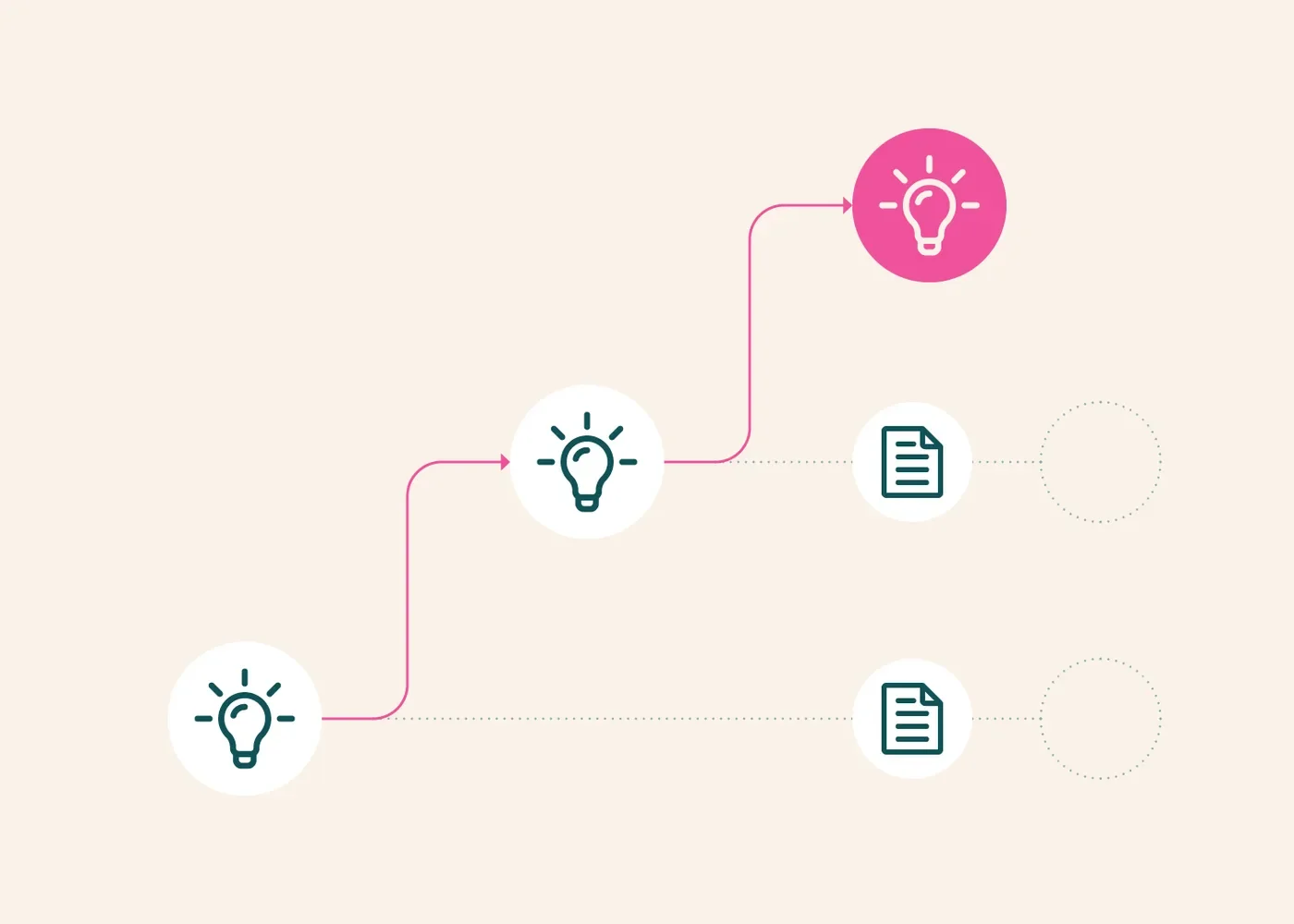
An agent can be understood as a loop that receives a task, decides whether to use a tool, observes the result and continues until it can respond. Keeping that loop small makes it easier to inspect where decisions are made and where external actions occur.
This is useful for learning because it separates the agent mechanism from the size of a framework. A compact implementation can reveal the essential control flow without suggesting that a production agent needs no additional safeguards or operational design.
Start with one bounded capability
Choose a tool that has a narrow purpose and predictable output. A read-only lookup is a better first experiment than a tool with broad write access. Define a small set of tasks that the tool should help solve and a few tasks that should not cause any call.
Inspect the model’s arguments and the tool’s response on each run. A final answer can conceal that the agent called the wrong tool, supplied an invalid target or ignored an error. The intermediate trace is part of the evidence.
Give the loop a stopping rule
Set limits on tool calls, elapsed time and retries. A model that repeatedly receives an unhelpful result may otherwise continue without making progress. The application should be able to stop and explain that it could not complete the task.
Treat “tool available” and “tool authorized” as separate concepts. A user’s request determines the scope of action; the presence of a capability does not expand that scope on its own.
Handle external text as data
A search result, document or tool response can contain arbitrary instructions. Those instructions are not automatically part of the user’s task. Keep the distinction between the agent’s operating rules and the material it is examining.
When a tool has side effects, design for uncertain outcomes. A dropped connection does not prove that an action failed. Before retrying, inspect state or use an idempotent operation where possible.
Evaluate complete tasks
A good agent test checks whether the intended result was achieved with appropriate actions, not merely whether the final prose sounds correct. Include unavailable tools, malformed inputs and tasks that lack sufficient information. The correct outcome may be a concise request for clarification or an honest failure report.
Small agent implementations are valuable because they make these questions approachable. The aim is not to add complexity for its own sake, but to understand the minimum reliable loop: explicit task, bounded tools, inspectable observations, controlled actions and a stopping condition that does not depend on endless trial and error.
Source: Tiny Agents: an MCP-powered agent in 50 lines of code ↗ · julien-c. How we write